

How Custom ERP, CRM & Mobile Apps Can Become the Digital Backbone of Your Business
8/25/2026
Quick Answer
A connected ERP, CRM and mobile application can act as a digital backbone by keeping customer, sales and operational data in one controlled platform. CRM manages relationships and opportunities, ERP manages internal operations, and mobile access extends selected workflows to employees in the field. The biggest benefit comes from shared data and automated hand-offs between departments.
Businesses rarely become inefficient because they lack software. More often, they have too many disconnected tools.
Sales works in a CRM. Accounts uses another product. Inventory is maintained in a separate application. Service updates arrive through WhatsApp. Management reports are assembled in Excel. Each system may work individually, but information breaks when it moves between departments.
A custom ERP, CRM and mobile application can create a connected digital backbone for the organisation. That does not mean building one giant application immediately. It means designing a shared data and workflow architecture so each department works from consistent information and each important hand-off can be tracked.
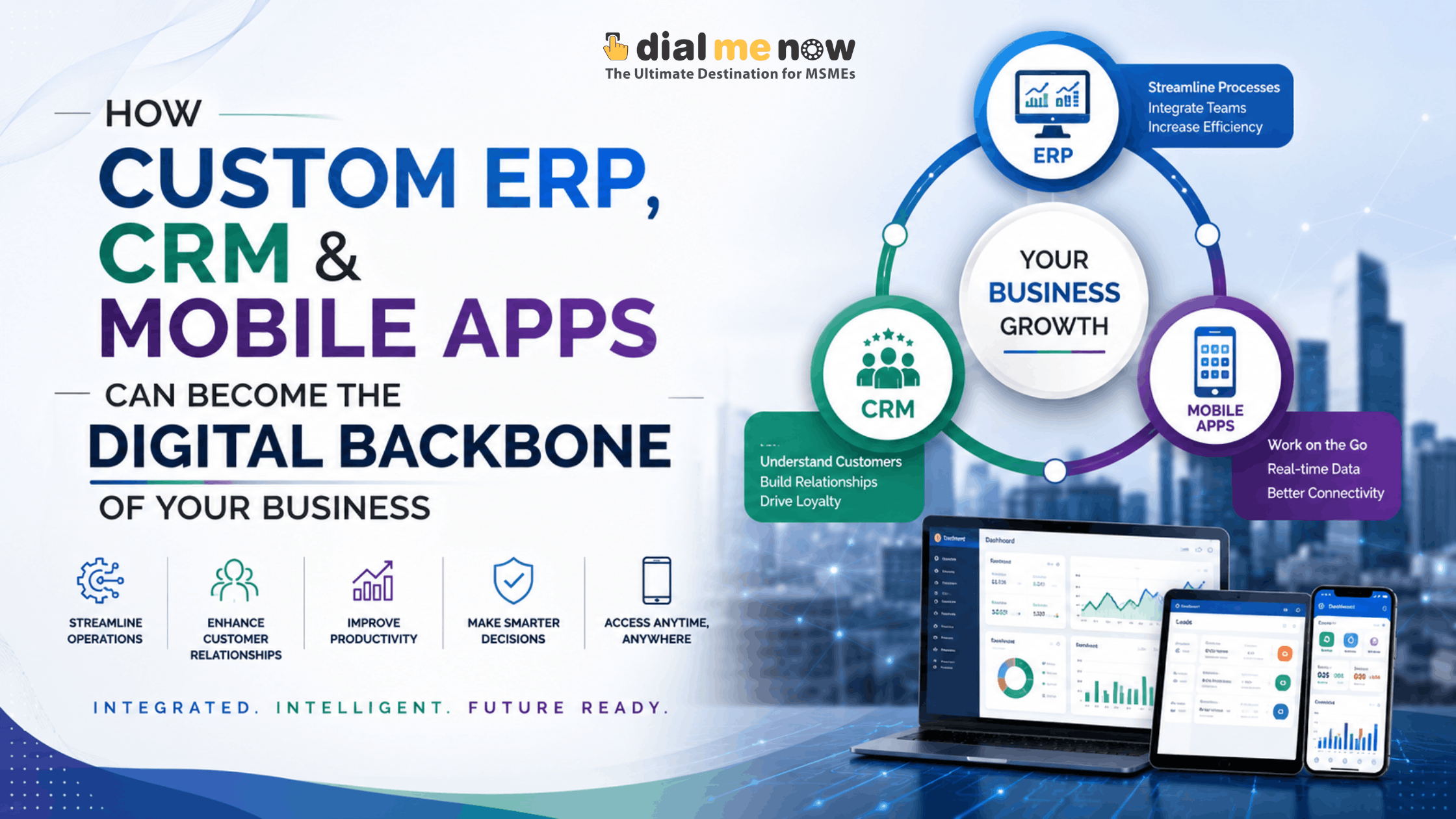
CRM, ERP and Mobile Apps Have Different Roles
A CRM primarily focuses on prospects, customers, sales activities, communication and relationships. An ERP focuses on the operational resources and processes required to deliver what was sold, such as purchase, inventory, projects, service, finance-related workflows or internal administration.
A mobile app is an access layer for selected users. It can give field employees, managers or customers access to appropriate functions without exposing the entire internal system.
When these layers are connected, a confirmed sale can become an operational action without somebody manually recreating the same information elsewhere.
The Real Value Is in the Handoffs Between Teams
Consider a common business journey. A lead enters the CRM, a salesperson qualifies it and sends a quotation. After approval, the opportunity is converted.
In a disconnected setup, the sales team may email the order details to operations. Operations re-enters customer and product information. Purchase checks availability manually. Accounts creates another record.
In a connected system, the converted opportunity can create the required downstream records automatically or through controlled approval. Everyone works from the same reference, reducing ambiguity and duplicate entry.
What a Connected Business Platform Can Cover
- Lead capture, assignment and follow-ups.
- Customer and contact history.
- Quotations, revisions and approvals.
- Orders, projects or service requests.
- Purchase and vendor workflows.
- Inventory and stock movement.
- Employee tasks and field activity.
- Documents and attachments.
- Role-based approvals and audit history.
- Management dashboards and reporting.
- Mobile workflows for sales, service or approvals.
- Website, payment or third-party integrations where required.
Build Around Roles and Permissions
A connected platform does not mean every employee should see everything. Permissions are essential when customer data, pricing, finance, HR or confidential operations exist in the same ecosystem.
Access should be based on role and business need. A salesperson may see their own leads and quotations. A branch manager may see regional performance. Senior management may see consolidated reports. Administrators may manage configuration without automatically receiving access to every sensitive record.
This separation improves both usability and security.
Use Automation for Repetitive Handoffs
The best candidates for automation are predictable actions that happen repeatedly.
A website enquiry can create a lead. A converted lead can create a customer. An approved quotation can initiate an order. A low-stock rule can raise an alert. A completed field job can notify the office. An overdue follow-up can appear on a manager dashboard.
Automation should still preserve human approval where judgement or financial control is required. The objective is to remove unnecessary copying and chasing, not remove responsible decision-making.
Dashboards Should Answer Business Questions
Modern systems can produce dozens of charts, but management usually needs answers to a smaller set of questions: What is pending? What is delayed? Where is revenue coming from? Which leads need attention? What stock is at risk? Which projects are off schedule?
A custom platform can create dashboards around these questions. Data quality is more important than visual complexity. A simple dashboard based on reliable live records is more useful than an attractive dashboard built on incomplete manual updates.
Why a Phased Rollout Is Usually Safer
Attempting to digitise every department at once can overwhelm both development and users. A phased roadmap makes the system easier to validate.
A business might begin with CRM and quotation management, then add operations and inventory, followed by mobile workflows and advanced reporting. Another organisation may start with service management because that is where the biggest operational gap exists.
Each phase should have clear outcomes, user testing and data migration plans. The architecture should support future modules without forcing the first release to contain everything.
What to Define Before Development Starts
- Current process maps and pain points.
- Departments, user roles and approval hierarchy.
- Master data such as customers, products, services and vendors.
- Required documents, forms and reports.
- Existing software that must remain in use.
- Integrations with websites, communication channels or other systems.
- Mobile and offline requirements.
- Data migration and retention needs.
- Security, backups and access control.
- Priority modules for the first release and future roadmap.
How Dial Me Now Can Help
Dial Me Now’s web and app development capabilities can be applied to custom business portals, CRM systems, ERP modules and connected mobile applications. The objective should be to build around defined business requirements rather than copy features from a generic package.
If your organisation is operating through multiple disconnected systems and manual hand-offs, visit DialMeNow.in and submit an enquiry. A requirement discussion can help identify which processes should be centralised first and how a phased custom platform could be structured.
Frequently Asked Questions (FAQs)
1. Can ERP and CRM be part of the same application?
Yes. They can share a common platform or remain separate systems connected through APIs. The best architecture depends on scope and existing software.
2. Do we need to replace all existing software?
No. A custom platform can integrate with selected tools that already work well, reducing unnecessary migration.
3. Can the system support multiple branches?
Yes, branch-level data, permissions and consolidated reporting can be designed when they are part of the requirements.
4. Can customers also get a portal or app?
Yes. Customer-facing access can be developed for orders, service requests, documents or other approved functions.
5. How should a large ERP project be started?
Begin with requirement discovery, process mapping, priorities and a phased roadmap rather than immediately listing hundreds of screens.
6. Can dashboards show real-time data?
They can show current system data, subject to how frequently source systems and users update information.
7. Can mobile users work with the same backend?
Yes. A mobile app can use secure APIs to work with the same business rules and data platform.
8. What happens when business processes change?
A well-designed custom system can be extended, but changes should be evaluated for data, permissions, integrations and reporting impact.
9. Is custom ERP secure?
It can be designed securely, but security depends on architecture, coding practices, infrastructure, access controls, updates and ongoing maintenance.
10. How do we prevent the project from becoming too large?
Prioritise business outcomes, separate must-have features from future ideas, and release the system in controlled phases.
Conclusion
A digital backbone is not created by buying more software. It is created by connecting the information and workflows that matter most to the business.
Custom ERP, CRM and mobile applications can bring sales, operations and field teams into one controlled ecosystem while still giving each role a focused experience. When implemented in phases, the platform can grow alongside the organisation.
To discuss a connected business solution tailored to your workflow, visit DialMeNow.in and submit your requirements to the Dial Me Now team.
| Ready to discuss your requirement? Visit DialMeNow.in or use the Contact Us page to submit your enquiry. |
Suggested Internal Links for This Series
- Off-the-Shelf Software vs Custom ERP & CRM: Which Is Better for Your Business?
- Why Modern ERP & CRM Systems Need Mobile Apps for Employees and Field Teams
- From a Simple One-Page Website to a Complete Business Website: Build Your Online Presence with Dial Me Now
Disclaimer
This article is general information and not a system design specification. Architecture, security, integrations, hosting, cost and implementation approach should be determined through detailed functional and technical analysis.