

Custom CRM for Sales Teams: Manage Leads, Follow-Ups, Quotations and Conversions in One Place
9/10/2026
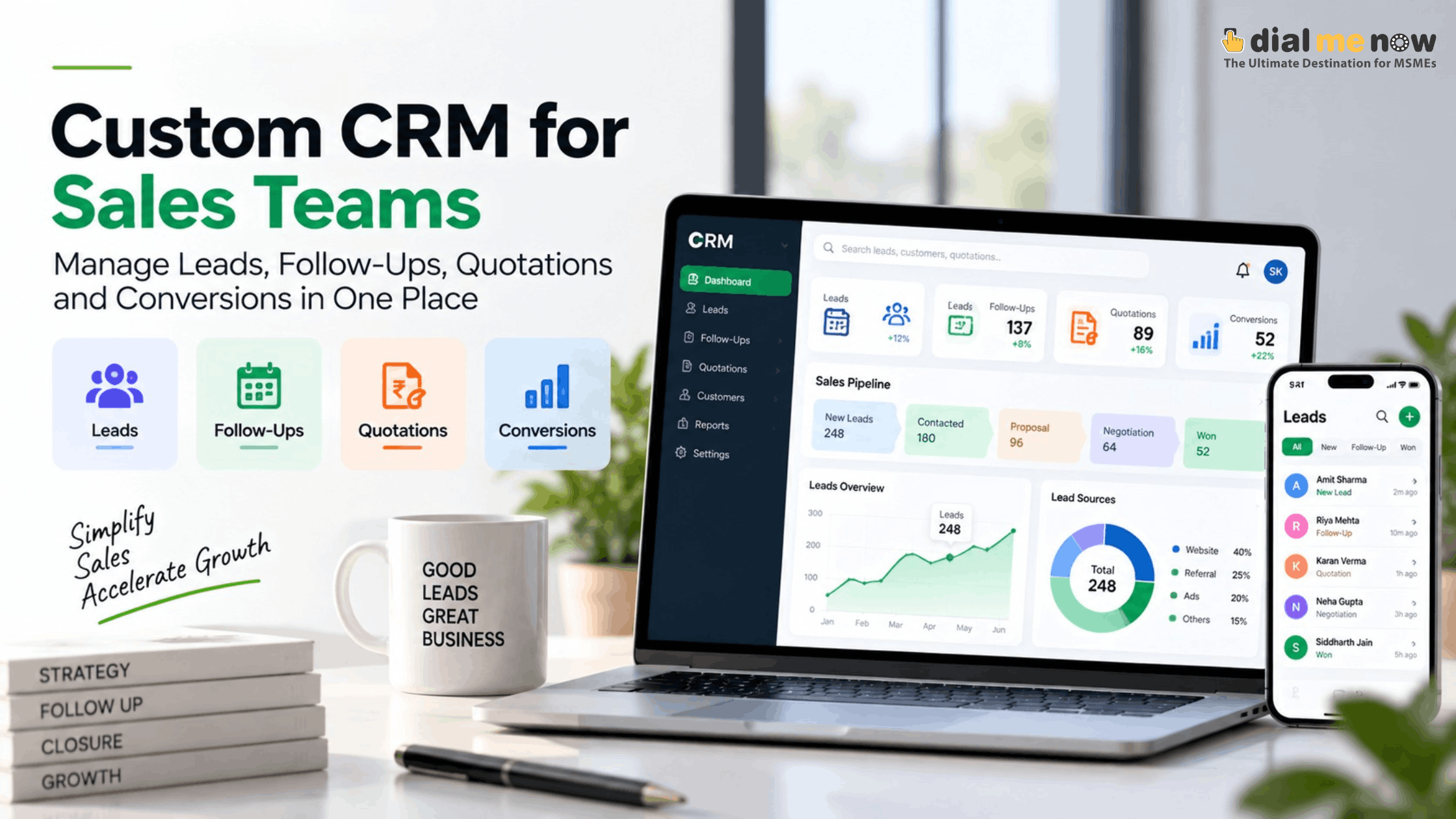
Quick AnswerIt is better to use custom CRM software for sales purposes as opposed to generic CRM software because the custom CRM allows the sales team to have a unified process for lead capturing, assigning, following up on leads, creating quotes, keeping record of the customer history and conversions. |
Sales issues are rarely due to lack of action. They are usually because of lack of visibility.
Sales opportunities enter through calls, web forms, referrals, campaigns, and WhatsApps. While one enters the leads into an Excel sheet, another does so via a notebook, while the third saves all the data in chat history. Quotations are done separately. The managers get updates only during meetings.
Building a customized CRM tool helps in unifying all the above actions into one coherent process flow. The purpose of using CRM is certainly not to increase the burden of administration.
What Exactly is Managed by a Sales CRM?
A sales CRM is not just a digital contact list; it is a system that maintains the whole life cycle of an opportunity from start to finish.
A typical database includes all kinds of information like the name of the customer, their source, what they require, the sales executive, its stage in the process, the date for following up, the notes taken, quotes, communication history, and final status.
The importance lies in the fact that all this information is integrated. The manager knows everything about the opportunity without going through different software, and the sales executive continues from where he left.
A Practical Lead to Conversion Process
• Lead Capture: capture leads through website forms, campaigns, phone calls, referrals or manual data entry.
• Lead Qualification: determine requirements, location, budget, time frame or any other business specific factors.
• Lead Assignment: allocate the lead to the appropriate sales person, branch or team.
• Follow Up: schedule follow ups such as phone calls, meetings or appointments with deadlines.
Quote: create and track quotations.
• Negotiations: track discussions, approvals, discounts and objections.
• Conversions: convert the lead and move on to the next stage of operations.
• Loss Record: provide reasons for loss instead of simply deleting the lead.
• Lead Nurturing: maintain potential leads for follow up in the future.
Why Generic CRM Workflows Tend to Become Frustrating
The generic CRM systems cater to a large number of businesses across industries. While this is convenient, it can become a reason for adding unnecessary fields and stages.
There can be a variety of definitions of a qualified lead when it comes to a real estate firm, an industrial supplier, an agency, a school and service center. Certain industries may have a requirement of having site visitation done. Others might need the quotation of products while some others might have approval procedures to be done prior to discount and proposal generation.
A custom CRM would allow including the necessary fields and actions alone.
Follow-Up Should Be an Automated Process, Not a Memory Game
Follow-up discipline directly influences the conversion rate. However, it is complicated if the seller needs to keep track of dozens or even hundreds of active deals.
CRM allows tracking current follow-ups, overdue tasks, and future commitments. Reminders may be set up for significant events; meanwhile, management may view pending actions without disturbing the team.
It is crucial to achieve the effect of accountability without transforming CRM into a control system. The most efficient systems help the salesperson with his daily routine by setting clear priorities.
Integrate Quotes into the Same Customer Journey
Quotes are usually generated in Word or Excel or even an accounting program that does not have any connection with the lead. It is hard to identify the exact version of quote, discount provided, or even the pending time period.
A customized CRM solution will help generate quotes based on the approved information, revisions, and also the status. For complicated businesses, there could even be a workflow process prior to generating a quote.
When the lead becomes a client, the quotation can even give some structured information for the following process such as ordering or billing.
Use Conversion Statistics to Make Better Sales Decisions
A CRM gains even more value when it provides consistent answers to management questions.
Some reports that can be useful might be leads by source, conversion rates by salesperson, average time to conversion, causes of lost deals, value of pending quotes, and overdues by pipeline stage value.
The reports must be decision-makers, not vanity reports. If a statistic does not impact how the team acts, it doesn’t necessarily need prominent real estate in the CRM.
Key Features of a Customised Sales CRM System
- Role-based dashboards for sales executives and managers.
- Source of leads and campaigns.
- Automatic and manual lead assignments.
- Sales follow up calendar and reminders.
- History of customer and company.
- History of quotation creation, editing and approval.
- Notes, attachment and history of activity.
- Lead stages specific to the business.
- Lead duplicates detection and data validation.
- Pipeline and conversion analysis.
- Mobile access for sales teams in the field.
- Integration with website forms or other authorised systems.
CRM Implementation is as Important as CRM Design
Even an adequately developed CRM may prove useless if users perceive it as too slow or difficult to use. Thus, user adoption needs to be taken into account at the design stage.
Do not overburden mandatory fields with unnecessary data. Set reasonable defaults. Do not force your users to navigate through several screens just for doing one thing. Test the workflow with real-life sales people.
Additionally, management has to establish rules about how and when particular activities need to be done. Software facilitates the process of being disciplined but it does not make up for lack of understanding.
Where Dial Me Now Fits In
Dial Me Now can design web and mobile-enabled business software solutions customized based on individual workflows. For the customized sales CRM application, requirement gathering may include aspects like sources of leads, sales processes, users’ roles, follow-up actions, quoting style, approval process, and reporting and integration needs.
Companies that are looking to do away with fragmented leads sheets and manual tracking may approach www.DialMeNow.in to put in their requirements for a sales-aligned CRM.
Frequently Asked Questions (FAQs)
1. What’s the difference between CRM and Lead Management?
Lead Management concentrates on opportunities and follow-up. CRM, in its turn, can include more aspects, like history of a customer, communication, quotations, activities and post-sales relations.
2. Can a CRM system generate website leads automatically?
>>Yes, it can if website forms are integrated in such way that enquiries are automatically generated through the CRM system if configuration and APIs are implemented properly.
3. Can different salespeople have access only to their leads?
Yes, it can be organized with the help of role permissions.
4. Can leads be reassigned by managers?
>>Yes, they can be reassigned if necessary in the process of designing assignment rules.
5. Can quotation approval be introduced?
Yes, business can specify their own quotation approval rules depending on discount, value, product etc.
6. Does the CRM support mobile phones?
>>This will be dependent on whether a responsive website CRM or mobile app CRM will be considered based on the field requirement.
7. Can calls or text messages be linked to the CRM system?
>>This will depend on whether such channels can be integrated through the APIs that the provider offers.
8. How do duplicate leads get managed?
>>The CRM will verify whether there is any lead duplication via phone numbers, emails and even other identifiers.
9. What should a sales CRM report contain?
Typical sales reports include: leads from source wise, stage wise pipeline, conversion rate, lost leads reasons, pending leads follow ups and salesperson performance.
10. Is it necessary to customize each and every field of the CRM?
>>It is not recommended since customization is supposed to make the job easier and not add more complexities.
Conclusion
A sales team is much more effective when there is an owner for every deal with its present state and next step. A customized CRM integrates lead generation, follow-up, quotation and conversion tracking without compelling a company to adopt a non-fit process.
It is not necessary that the best CRM system be the one which comes with more functionalities. It should be the one which is used by employees and trusted by managers.
If your sales data are scattered in spreadsheets, chat platforms and personal devices, please visit DialMeNow.in and make your enquiry regarding customized CRM or mobile CRM solutions.
Willing to talk about your requirement? Please visit DialMeNow.in or use Contact Us page to make your enquiry.
Disclaimers
This paper is purely for information. The aspects of customer relationship management, communication integration, privacy issues, data retention, and automation are dependent on the organisation and the technology being used.